Passport photo service rules compared: DIY, local services and booths
Compare Canada.ca passport photo service rules for DIY, studios, and booths. Checklist, common rejection causes, head-covering and guarantor guidance.
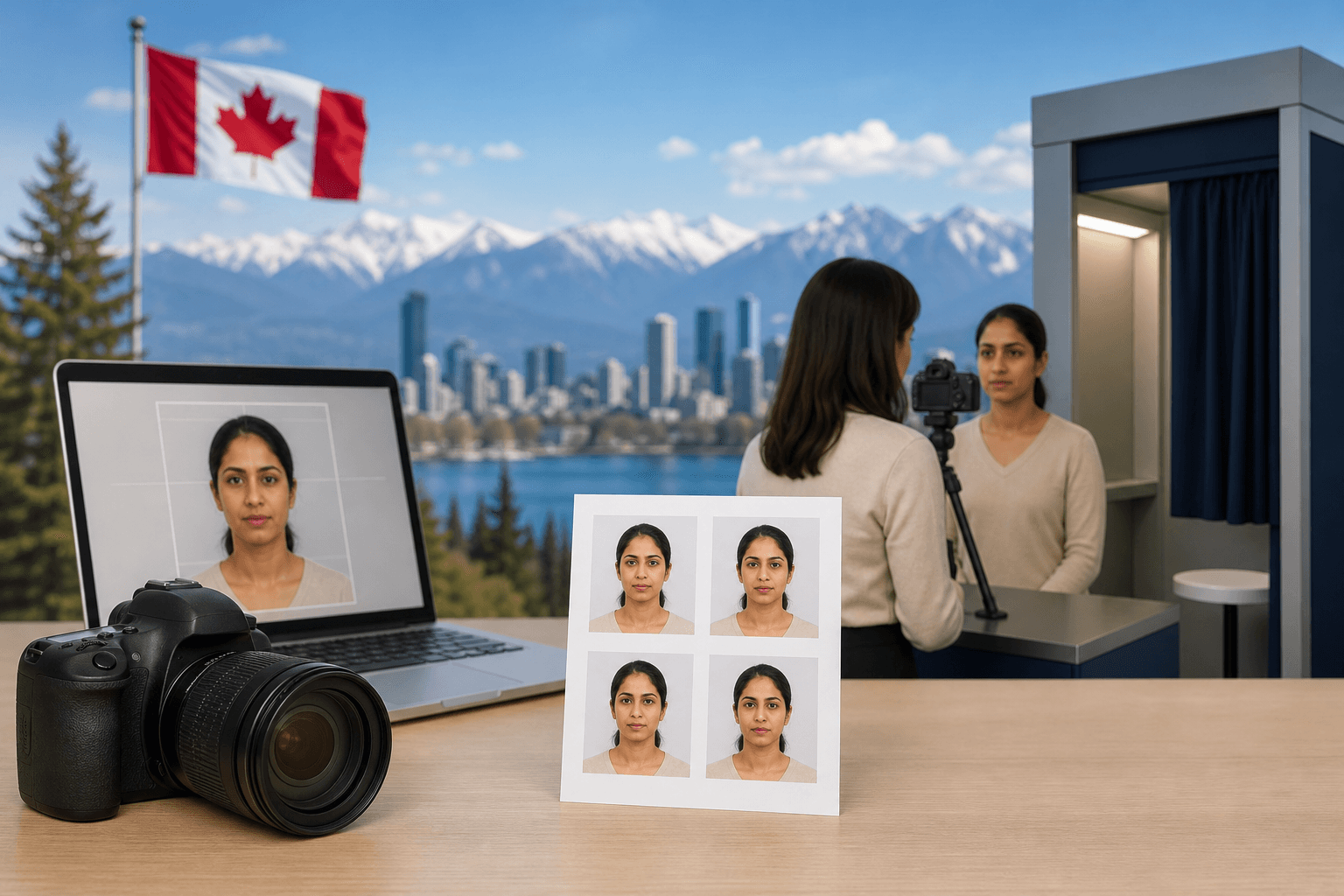
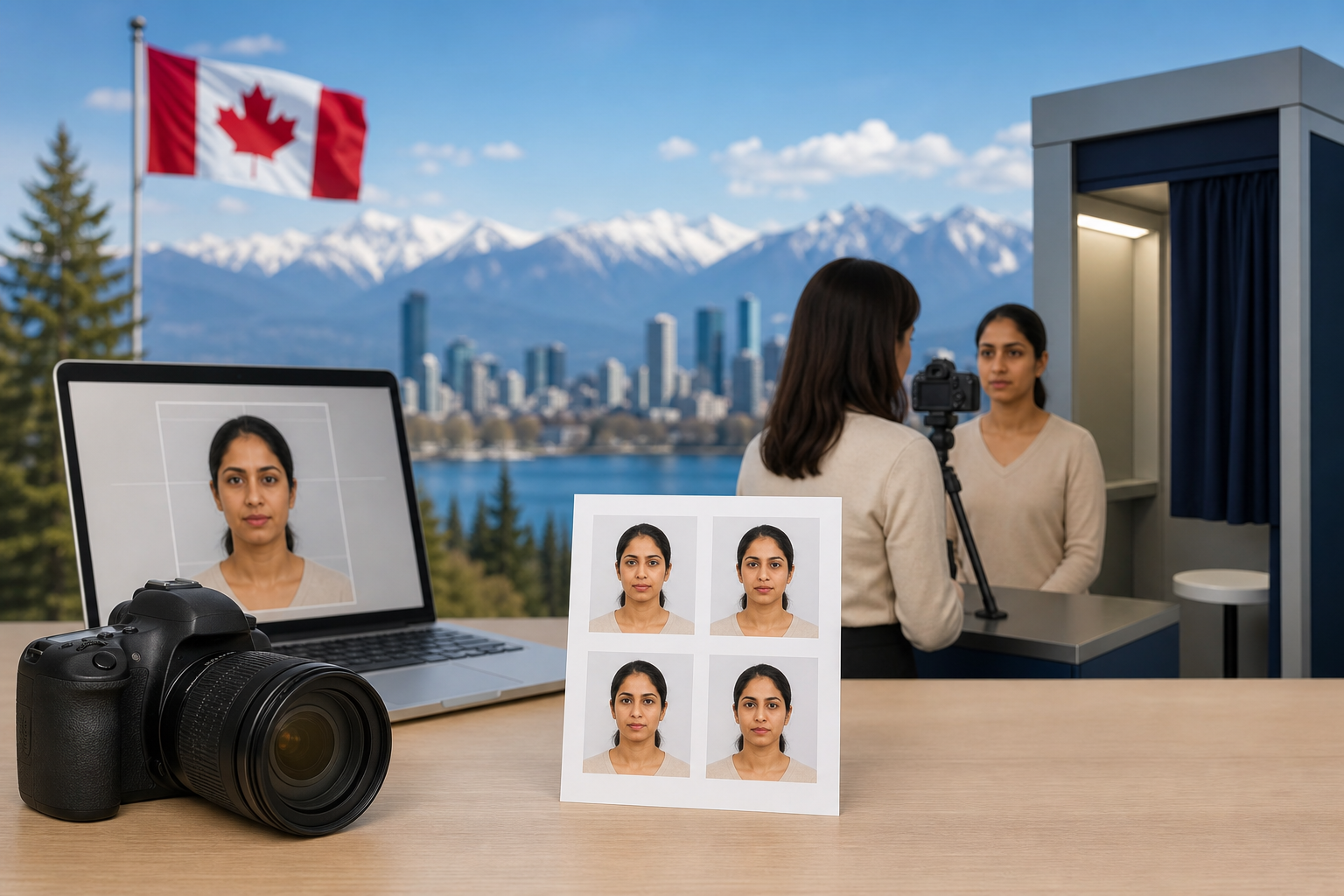
When you search for passport photo service rules you need two things: the official technical requirements that Passport Canada enforces, and a practical way to get compliant prints or digital files. This article compares three common choices—DIY at home, commercial local services (studios and travel agencies), and retail photo booths—against the Canada.ca standards so you can pick the option that reduces the chance of rejection.
At a glance: which option usually meets Canada.ca rules
Quick summary of strengths and typical failure points for each option:
- DIY at home: Best for cost control and immediate results, but often fails on background, exact size, lighting uniformity or required digital metadata. Works if you follow the official specs precisely.
- Local commercial services and studios: Highest success rate when the supplier knows Canada.ca rules. They can print correct sizes, produce required gloss or matte paper, provide a digital file for online renewals, and manage guarantor signatures. Ask them to follow the official digital photo specifications.
- Retail booths and self-service kiosks: Fast and cheap, but lighting and framing can be inconsistent. Booths cannot supply a guarantor signature and may not produce the exact paper type or digital metadata Passport Canada expects.
Passport Canada treats photo requirements as mandatory. For authoritative details read the Canada.ca passport photo requirements and the digital photo specifications linked below.
Canada.ca passport photo requirements and the Digital passport photo specifications are the official references.
Baseline Canada.ca passport photo requirements you must meet
Passport Canada treats photo requirements as non-negotiable. The most important items to confirm before you choose a service are:
- Exact size and crop: Passport photos must meet the size, head position and crop specifications published by Passport Canada. See the Canada.ca photo page and the digital specification PDF for numeric details and diagrams.
- Number and signature: For many paper applications you must supply two identical photos and a guarantor must sign one of them. Requirements vary with application type, so check the relevant instructions on the Canada.ca site for new or renewal applications.
- Neutral expression and posture: Face the camera directly, keep a neutral expression or natural smile, and do not tilt your head.
- Plain light background: A neutral, plain, light-coloured background without shadows or patterns is required.
- No retouching or filters: Photos must be a true likeness, unaltered, and free of editing that changes facial features. Passport Canada can refuse retouched photos.
- Digital file requirements: For online renewals or digital submissions follow the digital photo specification document for file format, resolution and metadata. Photographers and studios should be able to provide a compliant digital file on request.
For the full list and diagrams, read the official guidance at Canada.ca passport photo requirements and the digital photo specifications.
Option 1 - DIY at home: what you must do and common rejection causes
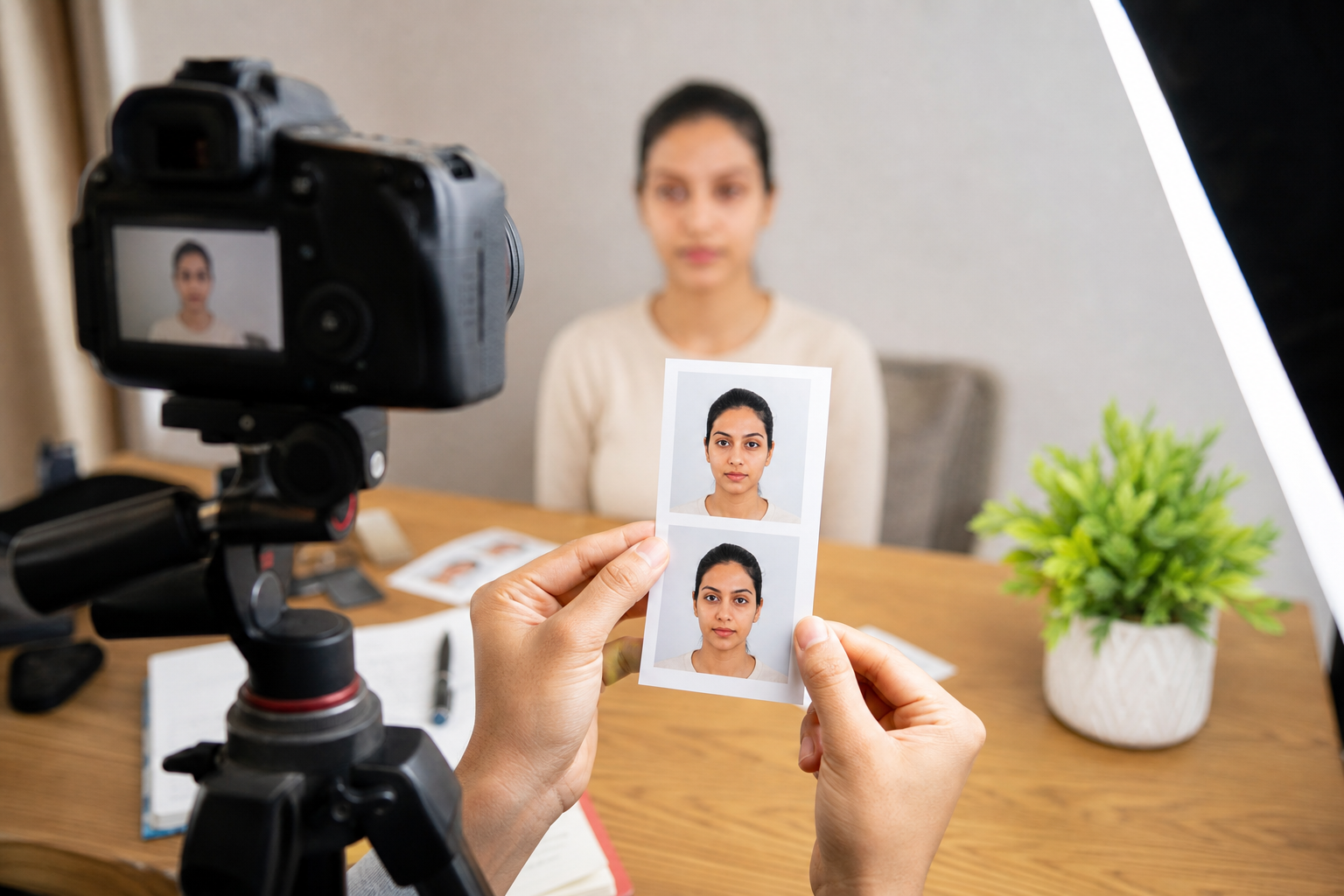
When DIY is sensible
DIY can work when you have a good camera or smartphone, a plain background, and are comfortable following precise measurements. It is cheapest and fastest when you only need a digital file for an online renewal.
Step-by-step checklist for a compliant DIY photo
- Study the Canada.ca diagrams for head position and size, and print them or keep them on screen as a template (official requirements).
- Use even, diffuse lighting to remove shadows from the face and background.
- Position the subject so the head and shoulders fill the frame at the required proportions, and maintain a neutral expression.
- Use a plain, light background and avoid clothing or props that blend with it.
- If you need a physical print, use high-quality photo paper and a trusted printer that can match the size and crop exactly.
- For online renewals export a digital file that meets the digital specifications.
Common DIY mistakes that cause rejection
- Wrong crop or head size, even by a few millimetres.
- Uneven lighting or background shadows.
- Using filters, skin-smoothing or other edits that alter appearance.
- Poor print quality or wrong paper type for physical photos.
If you are not confident matching the technical dimensions and file requirements exactly, a commercial service reduces risk.
Option 2 - Local commercial services and studio photographers
What a reliable service must provide
A professional studio or travel agency that offers passport photo services should be able to:
- Produce printed photos with the exact size, crop and paper finish Passport Canada requires.
- Supply a compliant digital file that meets the digital specification PDF when you need online submission.
- Provide a guarantor-signed print when your application type requires it, and advise you which application forms need a guarantor.
- Explain their image retention policy and whether they will keep a copy of your digital photo.
Ask the provider to confirm they follow the official specifications on record. Point them to the Canada.ca page for new adult passports or the digital photo specifications so there is no ambiguity.
Why a local studio is often best for families, seniors and special needs
Commercial services are usually the right choice when:
- You are preparing photos for infants or toddlers who need support and patience.
- Someone requires physical assistance, such as many seniors.
- Religious head coverings require careful lighting to show facial features clearly while respecting the covering.
- You want a guarantor-signed print and a documented paper trail from a trusted local provider.
In Mississauga, Singh Travel & Tours Canada lists passport, OCI and passport photo services among its offerings and provides in-person assistance, online enquiry and phone or WhatsApp support; you can confirm specific photo services and hours on their website. Their contact details are published on their site and local listings.
Singh Travel & Tours Canada is located at 2980 Drew Rd Unit 131, Mississauga, ON and can be contacted at +1-905-405-1700 for enquiries and bookings; check their web page for current service options.
Option 3 - Retail booths and self-service kiosks: strengths and limits
Strengths
- Speed and convenience for straightforward adult photos.
- Low cost and often available at supermarkets or transit hubs.
Limits and when to avoid booths
- Booths often produce lighting that casts small shadows, which can cause rejection under Canada.ca rules.
- They rarely allow for a guarantor signature or produce a compliant printed finish on request.
- Booths can be unsuitable for infants, elderly customers needing assistance, or anyone wearing religious head coverings where careful lighting is required.
If you need a guarantor-signed photograph or a digital file with specific metadata, avoid booths and choose a commercial studio.
Decision checklist: pick the best option for your situation

Use this short checklist to choose between DIY, a local studio, or a retail booth:
- Time pressure: Booth or DIY for same-day; studio if you can spare a short appointment.
- Acceptance risk: Studio has the lowest risk because professionals follow specs.
- Special needs: Studio for children, seniors, or religious head coverings.
- Guarantor signature: Only a studio or approved service can manage the signed print requirement reliably.
- Digital submission: Confirm the supplier can provide a compliant digital file per the digital specifications.
Common objections answered: head coverings, guarantors, retouching and privacy
Can I wear a turban or other religious head covering? Yes, religious head coverings are allowed if the full face is visible from the bottom of the chin to the top of the forehead and from ear to ear, and if the covering does not cast shadows on the face. See the Canada.ca photo rules for full guidance (official guidance).
Do I need a guarantor? A guarantor is required for certain paper applications; one of your photos may need to be signed and dated by a guarantor. The requirement depends on the passport application type. See the Canada.ca instructions for new and renewal applications for when a guarantor signature is mandatory: new adult passport requirements.
Is retouching allowed? No. Passport photos must be an unaltered likeness. Removing blemishes, smoothing skin or using filters can cause rejection under the published rules.
Will the photo service keep my images? Retention policies vary. Ask the studio or agency how long they retain digital copies and whether they will delete your file on request. If privacy is a concern, request a one-time print only and confirm deletion of any digital copy.
Can a travel agency guarantee acceptance? No private provider can guarantee that Passport Canada will accept a photo. A trusted studio or agency can reduce risk by following the official standards and supplying the required prints and digital files, but ultimate acceptance is the government's decision.
Step-by-step: get a compliant passport photo today in Mississauga
- Decide whether you need printed photos (paper application) or a digital file (online renewal).
- If a guarantor signature is required, arrange the guarantor before the photo appointment and bring the guarantor to the studio if needed.
- Prepare for head-covering rules and confirm documentation for infants or special assistance.
- Choose the service based on the checklist above. For reliable local assistance, contact Singh Travel & Tours Canada for passport photo services and documentation support. Their website lists services and contact details.
- At the service point, ask the provider to confirm they will follow the Canada.ca specifications and, if needed, to provide a compliant digital file by email or USB.
Singh Travel & Tours Canada contact summary: 2980 Drew Rd Unit 131, Mississauga, ON. Call or WhatsApp +1-905-405-1700 to enquire. Confirm current opening hours and appointment options on their website before visiting: Singh Travel & Tours Canada.
Frequently asked questions
Can I wear a turban or other religious head covering in my passport photo?
Yes, religious head coverings are permitted provided they do not obscure the face and the facial features are visible from the bottom of the chin to the top of the forehead and from ear to ear. Lighting must be even so no shadows fall on the face. For full criteria see the official Canada.ca photo rules at Canada.ca passport photo requirements.
Do I need a guarantor to sign my passport photo and when is a signature required?
Some paper applications require a guarantor to sign one of the photos. The requirement depends on the passport application type. See the Canada.ca instructions for new and renewal applications for when a guarantor signature is mandatory: new adult passport requirements.
How are digital passport photos different from printed photos for paper applications?
Digital photos must meet additional file, resolution and metadata specifications described in the digital photo specification document. Printed photos need exact physical size, paper finish and, when required, a guarantor-signed print. Photographers should be able to supply both a compliant print and a compliant digital file; see the digital specifications.
What are the most common reasons Passport Canada rejects a photo?
Typical causes of rejection are incorrect crop or size, shadows on the face or background, retouching, non-neutral expression or head tilt, and failing to provide a guarantor-signed photo when required. Follow the Canada.ca checklist to avoid these issues.
Can a travel agency guarantee that my passport photo will be accepted by Passport Canada?
No agency or studio can guarantee government acceptance. A professional service can reduce the chance of refusal by following the official specifications and providing the correct prints and digital files, but final acceptance is decided by Passport Canada.
Key takeaway: Use Canada.ca as your baseline for passport photo service rules. For most travellers with children, special needs, or guarantor requirements, a knowledgeable local studio or agency offers the best balance of speed and compliance. For straightforward adult photos, booths or DIY can work if you strictly follow the official specifications.
Ready to book local passport photo help? Contact Singh Travel & Tours Canada for passport, OCI and passport photo assistance and to confirm service options and hours.